Guides · Updated September 4, 2026
How to Find Hidden Dating Profiles: Free vs Paid
Start with free photo, username, and email searches. Learn when a paid dating-profile scan helps and why one match still needs checking.
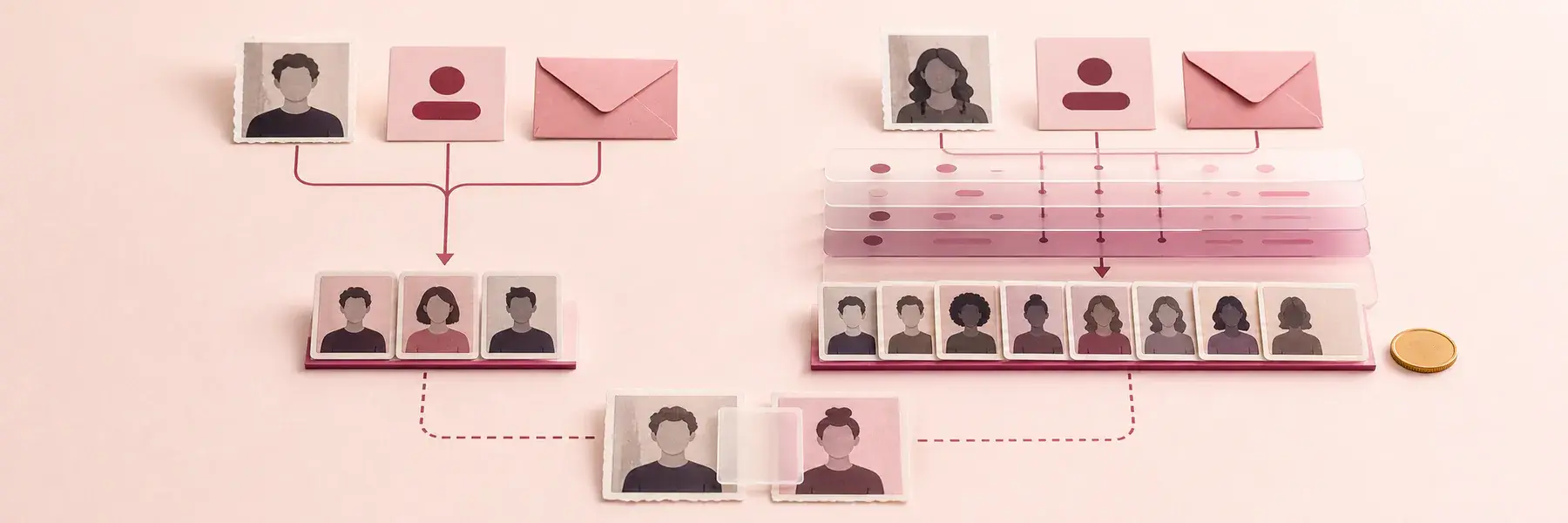
Key takeaways
What the search can and cannot tell you
- Start free: exact username and email searches, then a reverse-image search on the clearest photo.
- Treat a photo, username, or email hit as a lead until several identity details agree.
- A profile may disappear from discovery while paused, snoozed, hidden, or disabled, even though the account still exists.
- Pay only when a tool names its platforms, accepted details, full price, and renewal terms.
- Official activity labels give stronger recency clues than fresh photos, though members can hide them.
- No result means not found in checked sources, not that no profile exists.
If your gut says something does not add up, it is reasonable to want clearer answers. To find hidden dating profiles, start with a known photo, exact username, or email, then verify several identity details and any official activity label. A match is a lead, not a verdict. A paused, hidden, disabled, or deleted account can leave different traces, and a failed search means only "not found in checked sources." Pay only when a tool clearly documents coverage the free checks lack.
Why a hidden profile may stay out of view
An account can exist without appearing in ordinary discovery. Tinder lets members turn off Discovery, while Hinge Pausing, Bumble Snooze Mode, and Match’s profile-hiding option can remove a profile from new people’s normal browsing. Hinge says a paused member can still chat with existing matches. An empty search leaves the account’s status unresolved.
Disabling, deleting, and uninstalling also produce different outcomes. OkCupid distinguishes disabling an account from deleting it, and disabling preserves the option to return later. Tinder says removing the app from a phone does not delete the Tinder account. If someone says, "I deleted Tinder," ask what he means: did he uninstall the app, hide the profile, or complete account deletion? The answer changes what a search could realistically find.
What photo, username, and email searches actually reveal
Each free method follows a different public trace, and none of them can see inside a closed dating app.
A reverse-image search compares a photo against images already indexed online, and it works best when that exact picture also appears on a social profile, work page, or copied account; cropping, filters, or a page search engines can't index will often prevent a match. PeopleFinder draws a line between a standard reverse-image search, which looks for the same or a visually similar picture, and face-search technology, which compares facial structure across different photos. An exact image match can reveal where a photo came from, while a face match still needs other matching details before it means much.
A reverse-username search checks whether the same handle shows up on other public profile pages, and NumFinder describes these tools as combining public site checks, web crawling, existing indexes, and cross-platform scanning. A distinctive handle like `milesrunsseattle` is far more useful here than something generic like `mike87`, though even an unusual username can belong to more than one person.
An email search follows public or indexed connections tied to that address: search the exact email in quotation marks, then search it again alongside a dating app's name. It's more likely to surface a reused username or a public mention than the private account itself, since an address kept inside an app usually stays outside an ordinary search engine's view.
What a cross-platform search adds
A cross-platform tool checks several supported sites or indexes at once, while a plain search engine only returns pages already in its public web index. Coverage varies a lot between tools, so the useful question is exactly what a service searches and what evidence it hands back.
A long list of supported platforms doesn't mean access to private, paused, renamed, newly created, or deleted profiles. Before paying, get clear answers about what a service actually searches and returns:
- Search details: What can you search with: photo, username, email, phone, or name?
- Platform coverage: Which platforms are covered, and do results come from public pages or a stored index?
- Checkable evidence: Does each result include a profile link, username, or date you can check yourself, and does the service explain what no result means?
- Billing terms: Is the full price, including cancellation and refund terms, shown before checkout?
- Uploaded data: What happens to any photo or contact detail you upload?
A paid search earns its cost when its documented coverage fills a real gap, like a photo-based tool when you have a clear picture but no username. It adds little if you've already checked the one handle you have across every platform the service claims to cover.
How to tell who controls the account
A face match suggests that the same person may appear in both images, but it does not establish identity or who controls the account. It doesn't tell you when it was last used, or what he agreed to with you, and separating those three questions keeps you from overreading one clue.
If a profile shows his face next to a different name, age, city, or bio, compare it against several other details you already know: other photos, distinctive tattoos, job, school, neighborhood, writing style, and any linked public accounts. A cluster of matching details carries far more weight than one photo or first name by itself.
A verification badge narrows the picture without closing it. It can support the idea that the person behind the account resembled the profile photos at some point, but it says nothing about a conflicting name, city, or relationship claim sitting right next to it.
Copied photos and fake identities do happen, and mismatched details around a familiar face deserve real attention rather than a quick explanation. If impersonation seems plausible, save the profile link, username, and a dated screenshot, then use the platform's reporting option instead of contacting the profile directly; the person in the photos may be a victim who has no idea their pictures are being used.
How to judge whether a profile is current
An account can be visible without giving you a reliable answer about when it was last used. Treat a profile's own dated detail, such as a photo you know was taken after a specific date or an answer that refers to a recent event, as a clue to check rather than a conclusion.
The labels a platform chooses to show can change, and no visible timing detail leaves the account’s current use unresolved. A fresh photo, nearby location, or polished bio may be old, so none of those alone establishes that a profile is active now.
What finding a profile actually means
An account you can see is a fact. What it meant, and to whom, is a separate question, and the answer usually depends on when it was created, whether it was ever used, and what the two of you had agreed.
Relationship context still changes what a finding means. A dormant profile from before you met carries different weight than a well-matched, apparently active profile that shows up after a clear agreement to stop using dating apps. Focus on what you can support: the profile itself, the details connecting it to him, any timing signal, and the agreement you understood you had.
Finding an app icon or an old account doesn't tell you whether messages, dates, or physical infidelity happened. It can still raise a fair trust question, especially alongside a conflicting explanation. This guide to checking whether he's on dating apps can help you think through that conversation.
If the result stays uncertain, you can slow down, ask a direct question, hold off on meeting, keep dates public, tell a friend your plans, or decide the inconsistency itself is answer enough for how much trust you want to extend right now.
Public information is the boundary
Stop at public information and details you already have. Don't log into another person's account, bypass a password or block, trigger account-recovery messages, impersonate someone, or contact a profile repeatedly; those actions cross a real privacy line and can alert or affect the person whose account it is.
Before uploading a photo, email, or phone number to a search service, read what it says about storage, sharing, retention, and deletion. Matching, messaging, syncing contacts, or viewing profiles inside an app behaves differently than typing a phrase into a public search engine, so check a platform's specific rules before you interact with anything.
You don't need airtight certainty to stop searching. If the next step would mean crossing a privacy line, step back and decide what the inconsistency you already found means for you. When no account turns up, the honest conclusion is not found in checked sources, since a paused, disabled, hidden, renamed, deleted, private, or unindexed profile can still leave gaps a search won't show.
Sources and further reading
Stop guessing. Start vetting.
Criminal records, marriage history, and sex-offender registry checks. All the tea you deserve before you invest your time, energy, and trust.